



CapCut - Video Editor
com.lemon.lvoverseas
 Safety
Advertisement
CapCut positions itself as an all-in-one mobile video editor, and for the most part, it earns that label. This is an app built for creators who want polished results without wrestling with a bloated interface. From quick clip trimming to more ambitious edits using keyframes, chroma key, and stabilization, CapCut delivers a surprisingly robust toolkit in a package that remains approachable. Its biggest appeal is simple: it lowers the barrier to making social-ready videos that look far more refined than the effort suggests.
In day-to-day use, CapCut feels streamlined and fast. Basic editing tools are exactly where most users expect them to be, so trimming, splitting, merging, and rearranging clips never feels like a chore. The multi-track timeline adds welcome flexibility, especially for creators layering text, audio, effects, and cutaway footage. Just as importantly, the app does a strong job of balancing simplicity with control. Beginners can assemble a clean short-form video in minutes, while more advanced users can fine-tune pacing with speed curves, freeze frames, and zoom effects that add real energy to edits.
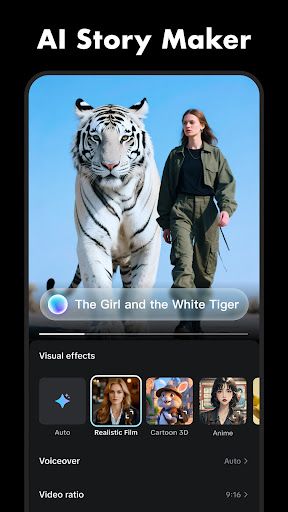
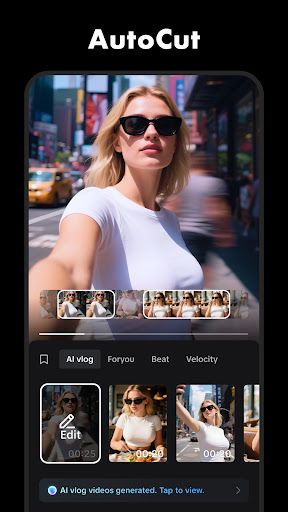
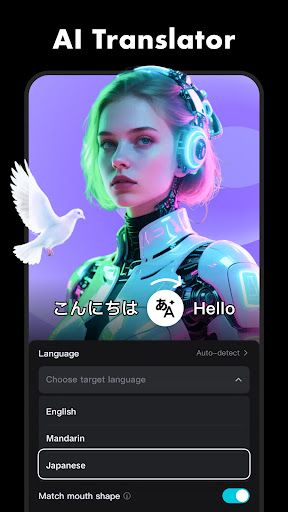
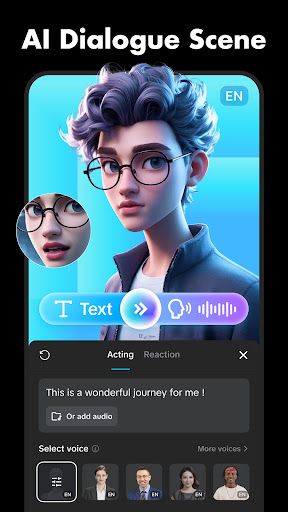
Where CapCut starts to stand out is in its intelligent and trend-focused feature set. Auto captions are a major quality-of-life tool and a practical necessity for modern social content, while text-to-speech and background removal make it easier to produce attention-grabbing videos without relying on extra apps. Motion-friendly tools like keyframe animation and optical-flow slow motion give creators room to experiment, and the inclusion of chroma key and stabilization pushes the app beyond casual editing territory. Add in a deep library of effects, filters, music, and sound tools, and CapCut becomes more than a convenience app - it becomes a genuinely capable creative platform.
The user experience is also helped by CapCut's clear focus on output. Support for 4K 60fps export and smart HDR gives finished videos a premium edge, and sharing to platforms like TikTok, YouTube, Instagram, WhatsApp, and Facebook feels like a natural extension of the editing flow. That said, the app's strong emphasis on trendy templates, effects, and viral aesthetics will not suit every creator. Users looking for a purely cinematic or highly manual editing environment may find parts of the experience slightly geared toward fast social production rather than meticulous long-form craftsmanship.
Overall, CapCut is one of the most intuitive and feature-rich mobile editors in its class. It succeeds because it serves both ends of the market: newcomers get a forgiving, accessible entry point, and experienced creators get enough advanced functionality to produce standout content on the go. It is not flawless, but as a modern mobile editing suite built for speed, creativity, and social distribution, CapCut is exceptionally compelling.









Comments