



Microsoft Word: Edit Documents
com.microsoft.office.word
 Safety
Advertisement
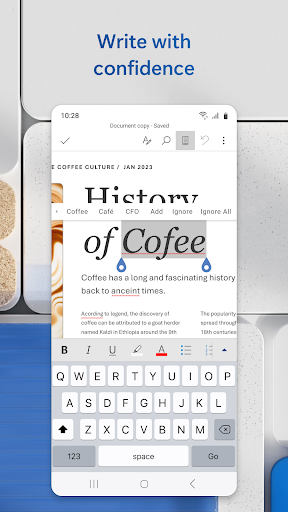
Microsoft Word on mobile is exactly what its name promises: a serious document editor that shrinks the desktop experience into something surprisingly usable on a phone or tablet. Rather than feeling like a stripped-down companion app, it delivers a robust toolkit for writing, editing, reviewing, and sharing documents while you're away from a PC. For students, professionals, and anyone who lives inside documents, that familiarity is the app's biggest advantage. You are not learning a new workflow so much as continuing an existing one in a more portable format.
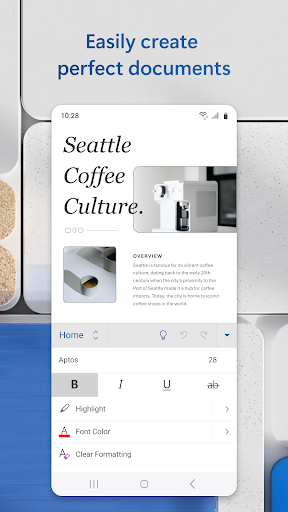
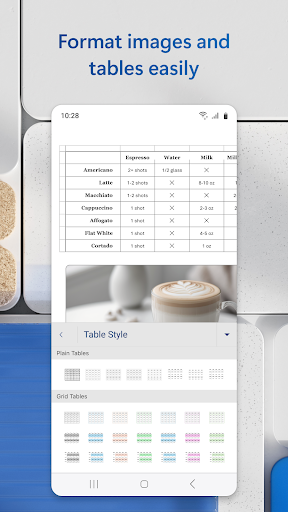
In daily use, Word feels streamlined and dependable. The interface is intuitive enough for quick edits, but it still carries the weight of a professional productivity tool. Reading View makes long documents easier to navigate on smaller screens, while the built-in viewer handles attachments and standard files without friction. Where the app really earns its place is in preserving formatting. Layouts, spacing, and structure generally remain intact, which matters if you're editing resumes, cover letters, reports, or client-facing documents where presentation is not optional. That consistency gives the mobile experience real credibility.
Feature depth is another strong point. The template gallery adds practical value, especially for users creating resumes, newsletters, brochures, or formal letters in a hurry. PDF conversion is also more than a box-ticking extra: being able to move between Word and PDF formats on mobile removes a lot of workflow friction. Collaboration tools are equally well executed, with comments, tracked changes visibility, editor history, and sharing options that support modern team-based work. Permission management and link-based sharing help Word stay relevant in fast-moving professional environments where documents rarely belong to just one person.
That said, the experience is not completely frictionless. On smaller devices, extended editing sessions can still feel cramped, especially when working on heavily formatted files or making precise layout adjustments. Some of the app's full potential is also tied to the broader Microsoft ecosystem, and the push toward Microsoft 365 benefits may be a minor annoyance for users who only want the basics. Even so, the core app remains highly functional without demanding too many workarounds, and performance improvements in recent updates help it feel polished rather than bloated.
The verdict is simple: Microsoft Word remains one of the most capable mobile writing and document-editing apps available. It combines familiar desktop-grade document handling with mobile-friendly collaboration, PDF tools, and dependable formatting retention. It is not the lightest app in its category, and power users may still prefer a larger screen for serious drafting, but as an on-the-go productivity solution, it is versatile, refined, and genuinely useful.









Comments