



Microsoft Copilot
com.microsoft.copilot
 Safety
Advertisement
Microsoft Copilot positions itself as an all-purpose AI companion, and with the addition of GPT-5 in 'Smart' mode, it feels more ambitious than ever. This is not just a chatbot bolted onto a productivity app. It is a streamlined, multi-surface assistant designed to handle research, drafting, brainstorming, translation, image generation, and everyday planning in one cohesive package. For users who want a single AI tool that can move from practical tasks to creative work without much friction, Copilot makes a strong first impression.
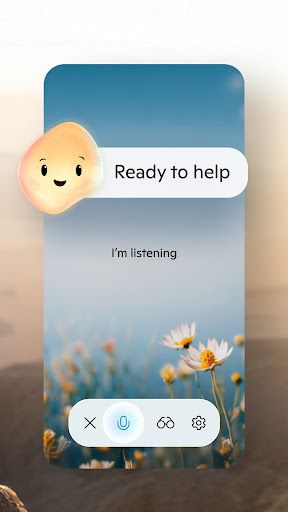
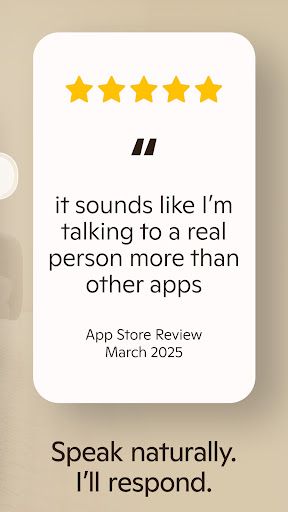
In day-to-day use, the app's biggest strength is accessibility. You can interact through text or voice, and that flexibility makes Copilot feel less like a formal tool and more like a responsive digital sidekick. Asking it to summarize information, rewrite awkward text, generate a meal plan, or draft an email is intuitive and fast. The experience is especially effective for users who do not want to master prompts just to get useful output. Copilot is at its best when it translates complexity into something digestible, whether that means simplifying a tough question or turning scattered thoughts into a structured draft.
Feature depth is another major win. Beyond standard AI chat, Copilot folds in multilingual proofreading and translation, which gives it practical value for both personal and professional communication. Its AI image generation tools also expand its reach considerably. You can create visuals from text prompts, explore branding concepts, mock up storyboards, or build social content without switching platforms. That said, this breadth is both a strength and a limitation. Copilot can do many things well, but power users looking for highly specialized controls in writing or image workflows may find some outputs a little generalized compared with dedicated niche tools.
From a UX perspective, Copilot largely succeeds because it keeps the experience clean and low-friction. The app frames AI as something useful in ordinary moments, not just big work projects. Grocery lists, resume edits, script ideas, quick research, and visual inspiration all sit comfortably within the same ecosystem. The addition of GPT-5 suggests stronger reasoning and a more natural conversational flow, and that translates into answers that feel sharper and more context-aware. Still, trust remains an important caveat. As with any generative AI platform, results can vary, and users will still need to verify factual claims or refine outputs before relying on them in high-stakes scenarios.
The verdict is clear: Microsoft Copilot is a robust and intuitive AI assistant that succeeds by making advanced AI feel practical. Its combination of chat, voice, writing support, translation, and image generation gives it unusually broad appeal. While it is not flawless and will not replace specialist tools for every use case, it is one of the more polished and versatile AI companions currently available, especially for users who value convenience, speed, and an approachable experience.











Comments